
Access expiry reminder emails
When a product has time-limited access, students get a reminder before their access ends.
- One email 7 days before the end date, and another the day before.
- Sent every morning at 9:00 (Paris time).
- Each reminder is sent only once. If you extend a student's access, the new date is used.
- Students you removed, and students without an email address, get nothing.
Change or turn off the reminders
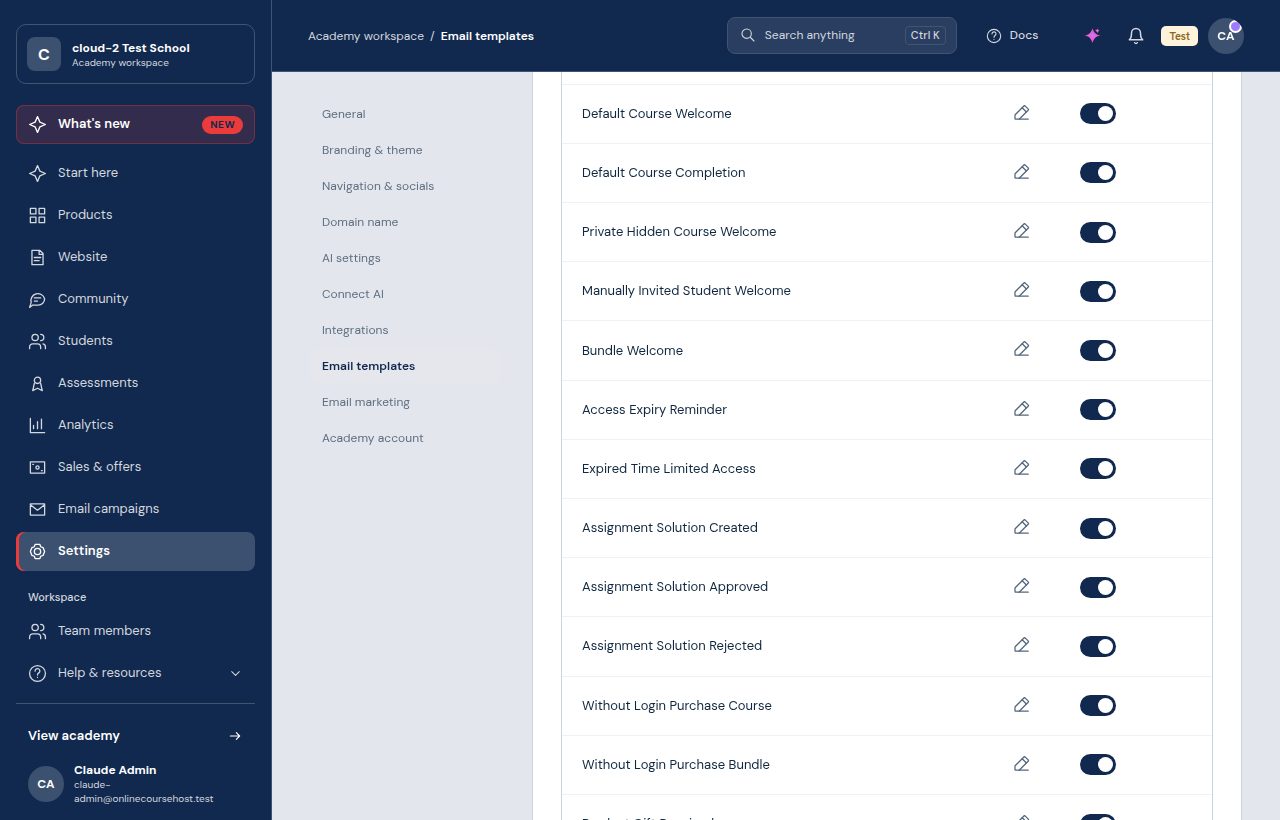
Edit the text under Settings > Email templates > Access Expiry Reminder. To stop them, turn on Disable Access Expiry Reminders in Settings > General (Basic plan or higher).
An end date on a group's access (group end date) does not send reminders.