
How to end a group's access to a course on a date
When a group gets a course, you can set the last day of that access. Useful for a class or a company team with a fixed end date.
- Go to Students > Groups and click Open on the group.
- Open the Courses tab.
- Next to the course, pick a date under Access ends. To remove the date, use the clear button next to it.
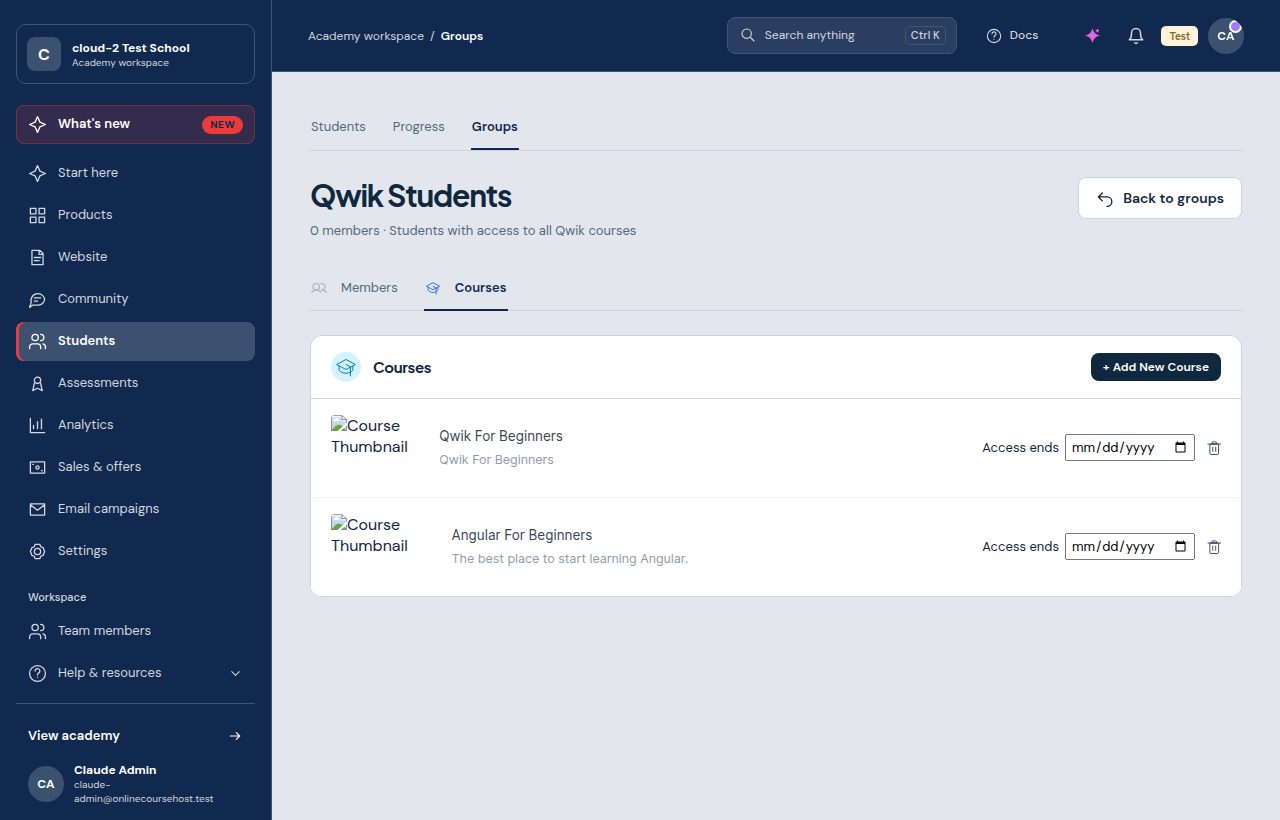
- Access through the group ends at the end of that day.
- Each course in the group can have its own date.
- Students who bought the course themselves keep their access.
- No email is sent when group access ends.
More about groups: How to manage your students.