
Are underscores forbidden by your DNS provider?
Some DNS providers refuse the underscore in the CNAME records you add to activate a custom domain. Here is what to do.
Why the records have underscores
We use Amazon Web Services to issue your SSL certificate. The first CNAME record starts with an underscore in both the hostname and the value.
Example:
- Hostname:
_b856f5646c09a16888ddf24eec16989a.courses.example.com - Value:
_648f6a7df0d97aad05d7a33a346c308b.yzdtlljtvc.acm-validations.aws.
What you can change
- Value: you can remove the leading underscore. Amazon still validates the domain.
- Hostname: it must always start with an underscore. Do not edit it.
If your provider still refuses
- Ask your DNS provider's support to allow the record on their side.
- Or move your DNS to a provider that accepts underscores, for example Amazon Route 53, Namecheap, GoDaddy, DNSimple or Cloudflare.
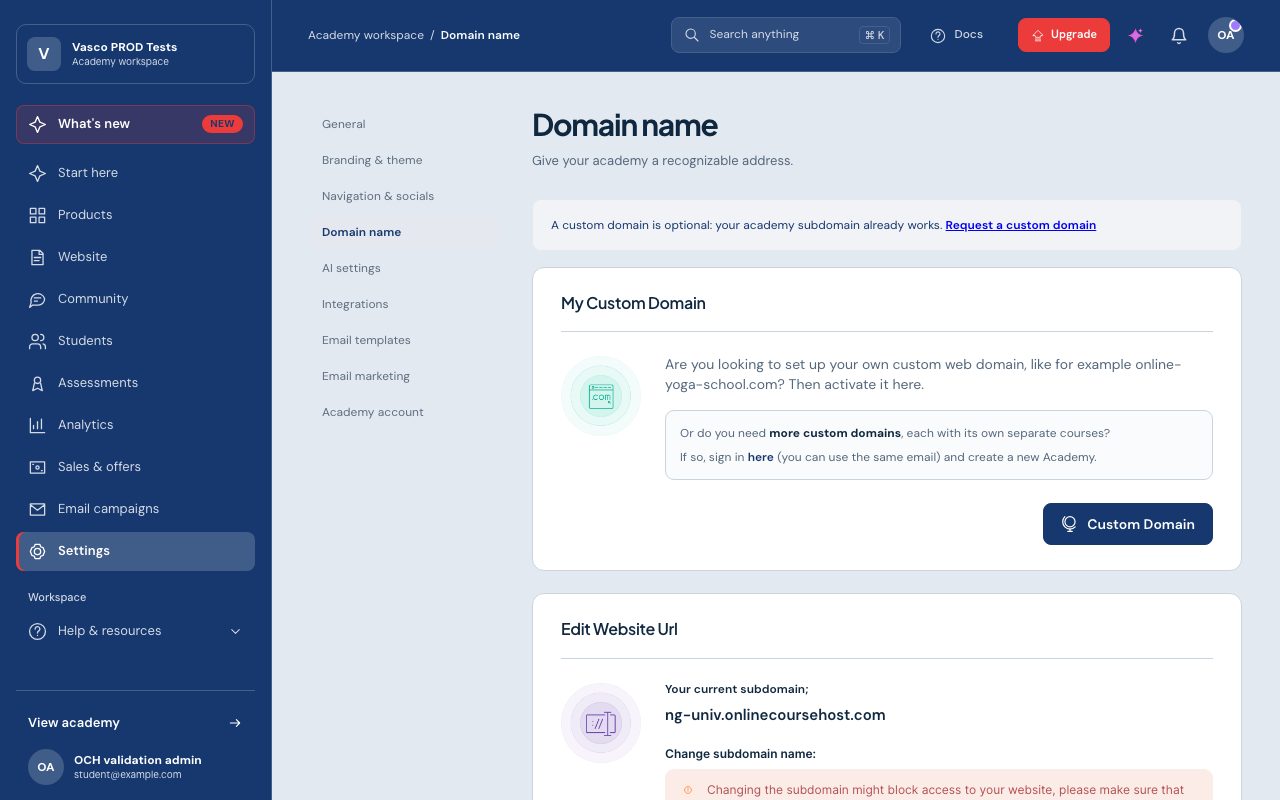
Then follow the domain steps again in Admin > Settings > Domain name. See also Custom domain activation error: checking SSL certificates.