
How to choose the style of an AI image
Wherever you can Generate with AI an image (Website Studio, the logos and favicon in Branding, community and room banners, new lessons and pages), you pick a style first.
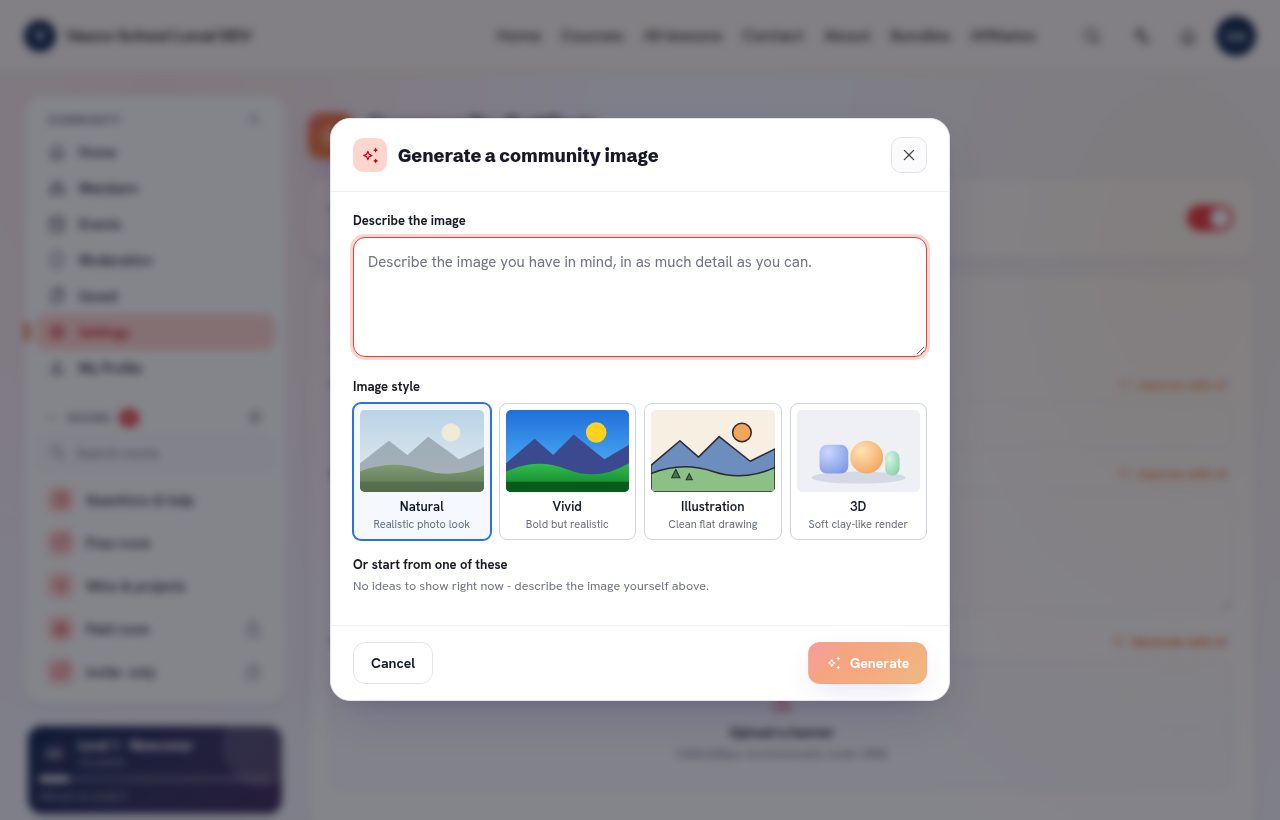
- Natural: realistic photo look (the default).
- Vivid: bold but realistic.
- Illustration: clean flat drawing.
- 3D: soft clay-like render.
Describe the image, pick a style and click Generate. The image comes in the right shape for where it goes, without made-up text. Regenerate keeps your current image until you confirm the new one.
Your last style is remembered in this browser, for your school.