
How to activate a permanent discount for your courses
A permanent discount shows a crossed-out original price next to your sale price, with no coupon needed.
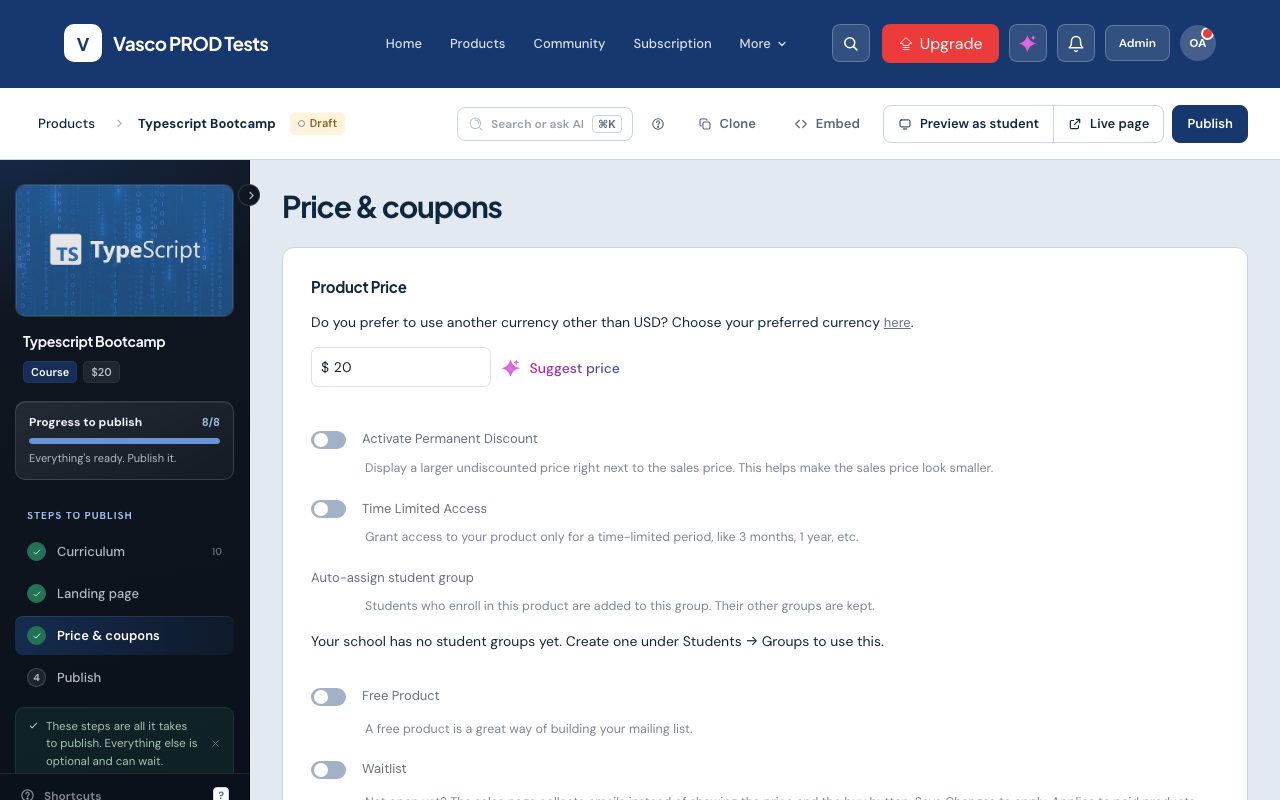
- Go to Products, click Edit and open Price and Coupons.
- Click Activate Permanent Discount.
- In Course Price, enter the price students pay; in Undiscounted Price, the original price (it must be higher).
- Click Save Changes.
You can still use coupons. Their discount applies to the discounted price.