
Paid Community Access
In a paid community, members pay a fee to join. Use it for premium content and extras that free members don't get.
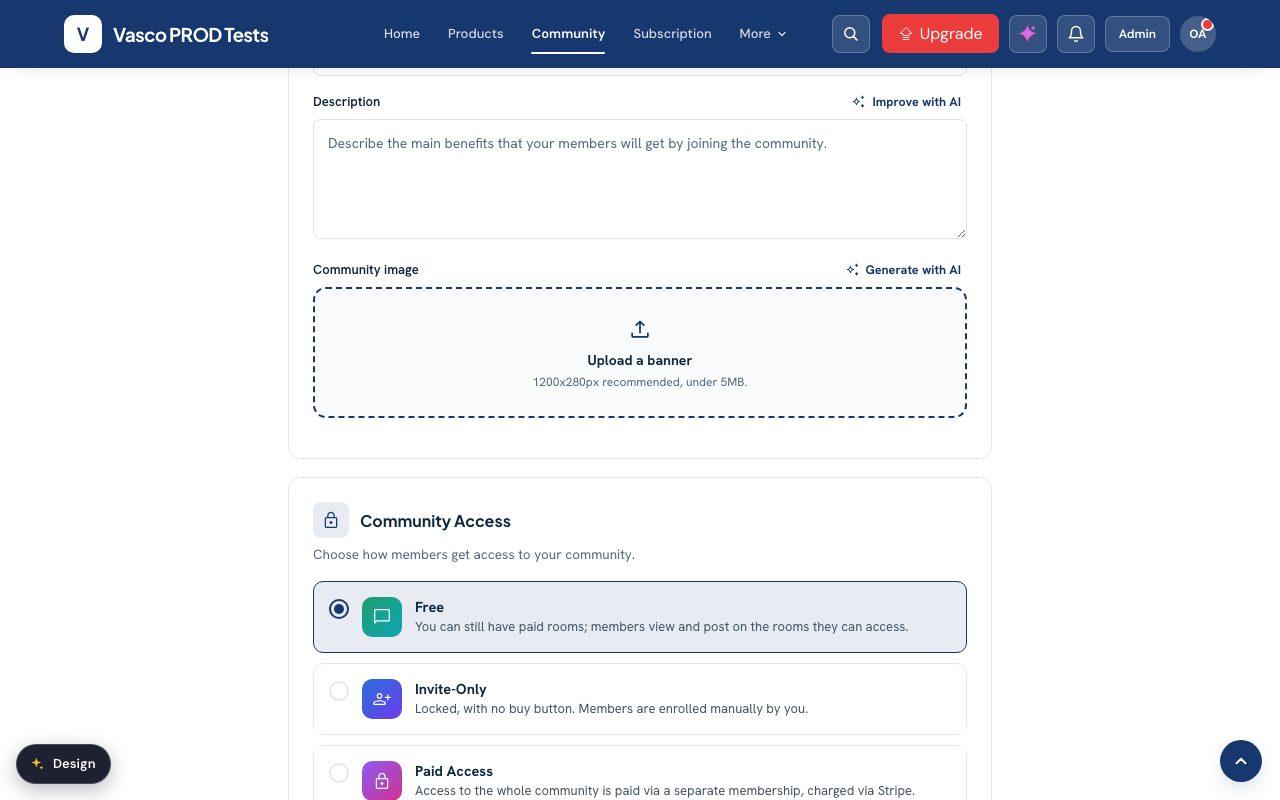
- Click Community in the top menu, then Settings.
- Open Community Access and select Paid Access.
- Set up the plans and benefits below.
- Scroll down to turn the features you need on or off, then click Save.
Plans
- Monthly: billed every month. Access ends if the member doesn't renew.
- Yearly: billed every year. Access ends if the member doesn't renew.
You can turn one plan off, but at least one must stay on.
Benefits
List at least 4 benefits of joining. Press Enter or click Add after each one.