
Free Community Access
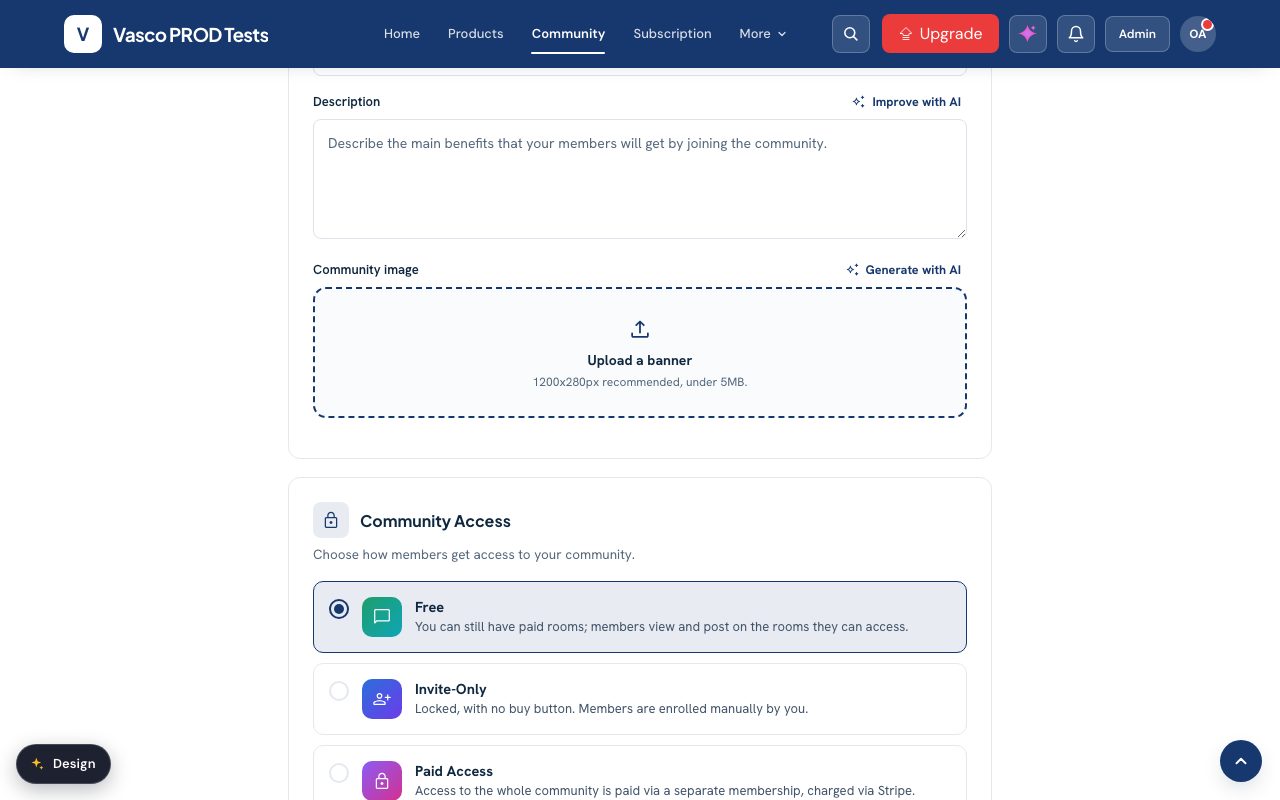
In a free community, every student can join and nothing is charged.
- Click Community in the top menu, then Settings.
- Open Community Access and select Free.
- Scroll down to turn the features you need on or off, then click Save.
In a free community, every student can join and nothing is charged.
Still need help? Contact Us